
8K and 4K HDR playback
Native decoding up to 8K with HDR10 and HLG tone mapping, so highlights stay bright instead of turning grey.
A desktop media player built for people who actually care about the picture. PotPlayer opens 8K HDR files, decodes them on your GPU, writes subtitles from any audio track in real time, and never asks you for a licence.
Twelve things PotPlayer does that most players quietly skip. No plug-ins to hunt down, no settings buried in a config file.
Native decoding up to 8K with HDR10 and HLG tone mapping, so highlights stay bright instead of turning grey.
DXVA2, D3D11 and CUDA paths push the load to your GPU. A 4K60 file plays at roughly 10–15% CPU on a modest laptop.
MKV, MP4, AVI, MOV, TS, M2TS, WebM, FLV and newer codecs including AV1, HEVC and APV — without external codec packs.
The built-in Whisper engine transcribes speech to subtitles while the video plays, in dozens of languages.
ASS/SSA rendering through libass, SRT, SMI, PGS and dual subtitles, with timing offset and font control.
Pitch-corrected playback keeps voices natural. Frame-by-frame stepping when you need the exact frame.
Attach a reference renderer and splitter when you want the last few percent of image quality.
Open an m3u8 playlist and watch broadcast channels with the same controls, EPG and recording options.
Side-by-side, top-and-bottom and VR headset output, with mouse-drag navigation inside the frame.
Grab a single frame, a burst of frames, or record a clip — straight into the folder you choose.
Thousands of community skins, fully remappable hotkeys, and window layouts that survive restarts.
Queue a whole season, bookmark scenes, and continue exactly where you stopped last time.
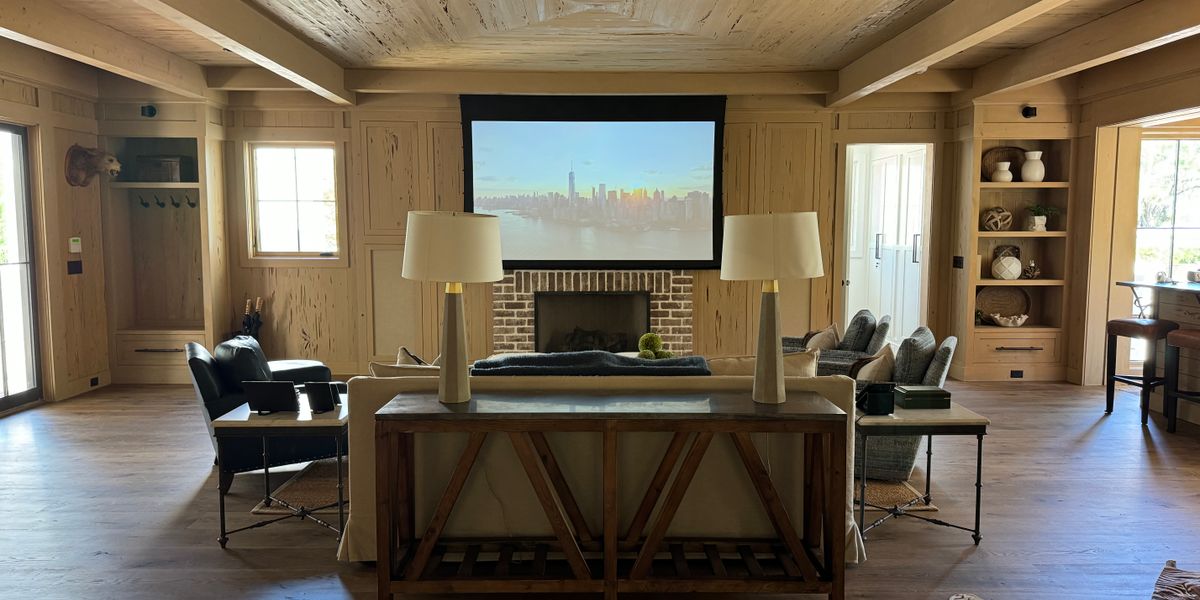
Most players get you a picture. PotPlayer gives you control over how that picture is produced — the decoder, the renderer, the subtitle layer and the audio path are all yours to tune.
Hardware paths for H.264, HEVC, VP9 and AV1 keep fan noise down and battery life up.
Tone mapping types are selectable, so a 1000-nit master does not flatten into a washed-out image on an SDR panel.
libass renders ASS/SSA effects, karaoke timing and typesetting the way the fansub team intended.
Pass through DTS-HD or TrueHD to a receiver, or downmix to stereo when you are on headphones.
The same player, pointed at very different jobs. Tap a card to see the matching features.
Blu-ray remuxes with HDR and DTS-HD, bit-perfect to the receiver.
ASS typesetting, karaoke timing and dual-language tracks.
M3U8 playlists, channel switching and instant replay capture.
1.5× speed with clean audio, plus frame grabs for notes.
Gapless album playback, visualisations and WASAPI output.
Drag to look around, or send the image to a headset.
Low-bitrate files play smoothly with minimal CPU load.
Frame-by-frame stepping to check an edit or a render.
Two subtitle tracks at once, one in each language.
MadVR chains, custom skins and a remote-friendly layout.
The player itself costs nothing and never will. The bundles below are for people who want skins, codec packs or hands-on setup help.
No subscription, no account, no ads.
Skins, codec pack and priority support.
Five machines and a live setup session.
Short answers, no marketing. Everything below applies to the current 1.7.22851 build.
Collected from forum threads and support emails over the last twelve months.
“I run a 135-inch projector setup and PotPlayer is the only player that lets me chain MadVR without fighting it. Dark scenes in Interstellar finally look the way the disc does.”
“The libass output is the reason I switched. ASS typesetting, karaoke timing and font fallbacks render correctly, which is more than I can say for the big-name players.”
“Lecture recordings at 1.5× with the pitch kept natural, plus a hotkey that grabs a frame into my notes folder. It replaced three other programs for me.”
“My provider hands out m3u8 playlists and PotPlayer opens them without a single plug-in. Channel switching is faster than the box my provider shipped.”
Every build we ship, documented with the numbers that changed.
 Release
The April build moves ASS rendering onto libass and handles HLS/DASH streams with an internal module, cutting subtitle start-up to 172 ms and stream switching by 34 percent.
All news Performance
We ran the same 8K60 HEVC file through three decode paths in PotPlayer. Hardware decoding cut CPU load from 78 to 12 percent and dropped frames to three in nine thousand.
All news Codec
Build 260114 teaches PotPlayer to decode APV, the professional intra-frame codec, at up to 8K 4:2:2 10-bit with GPU assistance.
All news Live TV
An m3u8 playlist turns PotPlayer into a television. We measured zapping at 1.28 seconds, recording overhead at 3 percent CPU, and a two-hour session that stayed at 312 MB.
All news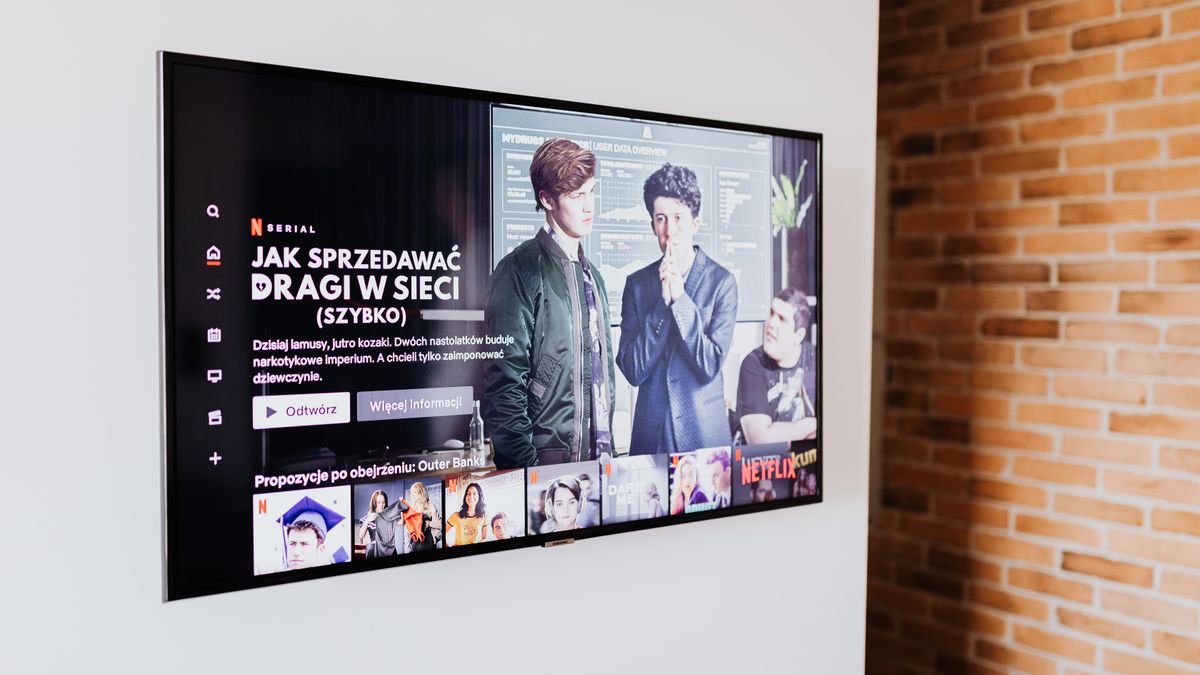 Subtitles
Build 250909 turns any audio track into subtitles while the video plays. We measured 1.2 seconds of latency and 92.4 percent accuracy on clean English speech.
All news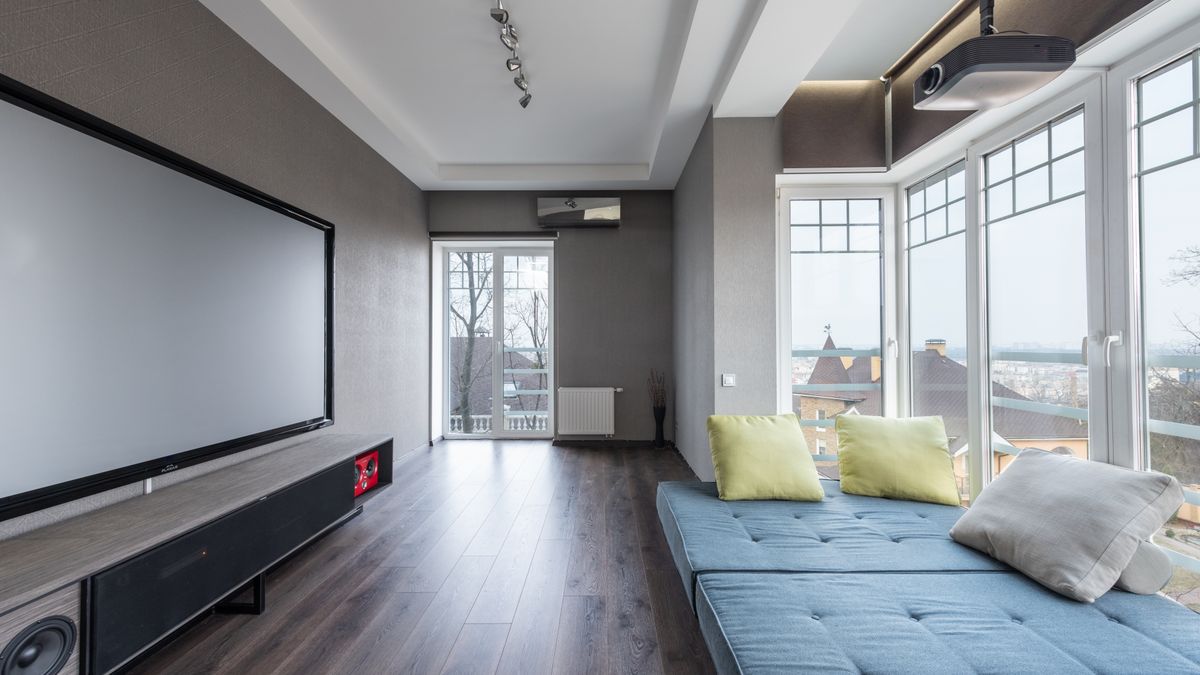 HDR
Build 250625 lets you choose the tone mapping curve instead of accepting the default, which is the difference between grey mush and a readable dark scene on an SDR panel.
All newsDownload the current 1.7.22851 build, open the file that has been sitting in your downloads folder for a month, and see what it was supposed to look like.